AI culling
AI Smart Culling
Choose your AI engine (OpenAI, Gemini, or Ollama) and let it rate, flag, and sort your photos automatically. Every decision syncs to Lightroom instantly.
Feature 01 / 10
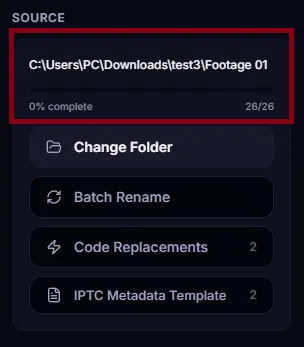
The fastest offline photo culler that adapts to you.
You choose how to sort your photos. You choose which AI does the thinking. Everything syncs to Lightroom automatically. Your keys, your machine, your photos.
Free forever tier · No credit card required
Your OS may ask for confirmation — this is normal for apps outside the official store.
On the SmartScreen dialog, click the More info link.
Click the Run anyway button to launch the installer.
⭐ Rating
🎨 Labels
✅ Flags
$29 one-time · Free forever tier · 14-day refund


Loved SnapCuller? Leave a review on Product Hunt or share your feedback with us!
Map any keyboard key to a destination folder. Press it, and our photo culler moves the photo there instantly. No dragging, no menus. Just press and move on.
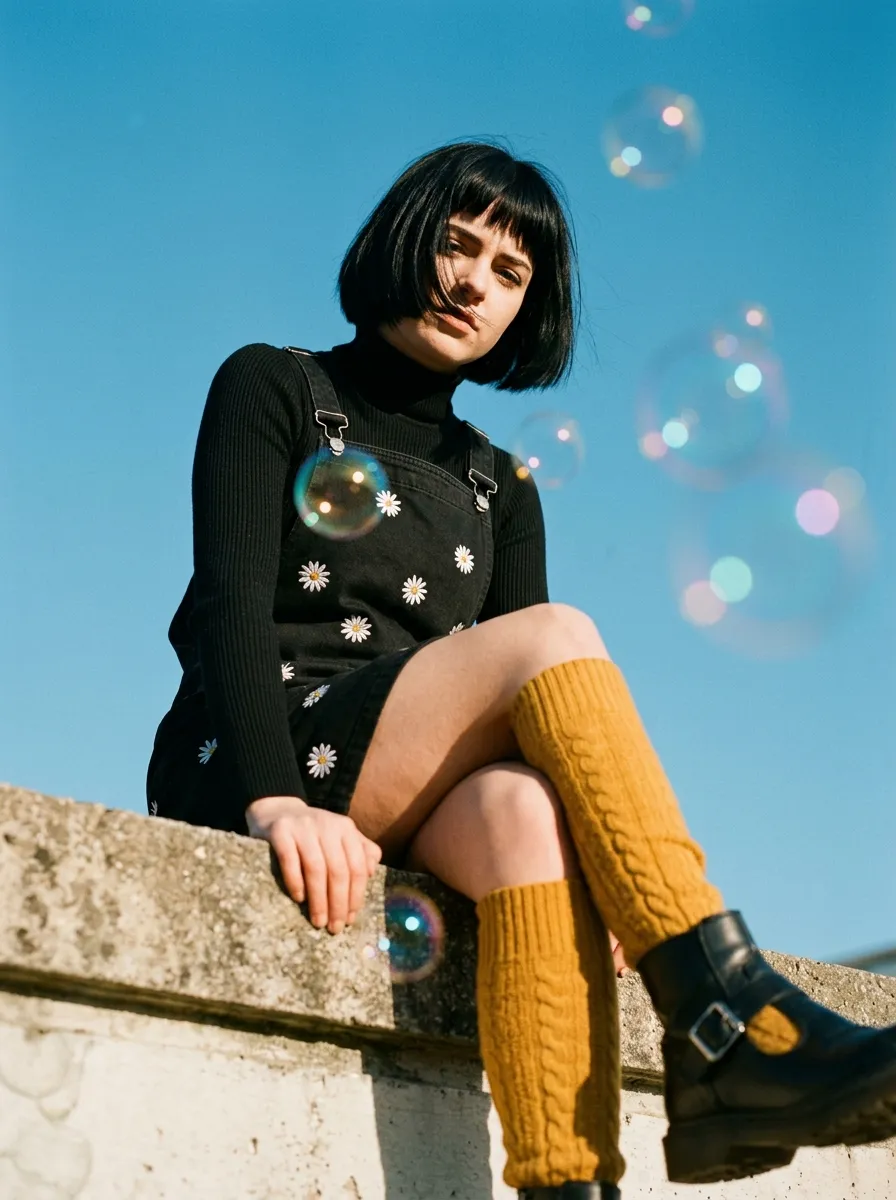






Clear all your decisions and restart the demo from the first photo.
Instant Sort. Photos disappear and move to their bucket folders immediately.
Use on-screen arrows or keyboard arrows to review before deciding.
— it's literally that fast —
your AI, not ours
We don't train our own AI model. We don't store your photos. You bring your own API key, pick your preferred model, and our AI photo culling software handles the rest in the background while you keep working.
OPENAI
GPT-4o & GPT-4o-mini
Best for detail. Catches missed focus, closed eyes, and subtle expression differences across your frames.
GEMINI
Google Cloud AI
Fast and efficient. Great for processing large batches quickly when you need speed over precision.
OLLAMA
Self-Hosted & Offline
Run models locally (like Llama3 or Mistral) completely offline. Or connect to a self-hosted network server or local/cloud Ollama API. 100% privacy, zero data leaves your infrastructure.
Just enter your API key in Settings, pick a model, and start culling. SnapCuller runs AI analysis in the background while you keep reviewing photos. All results are written to .xmp sidecars for Lightroom.
Your data never touches our servers. Ever.
product tour
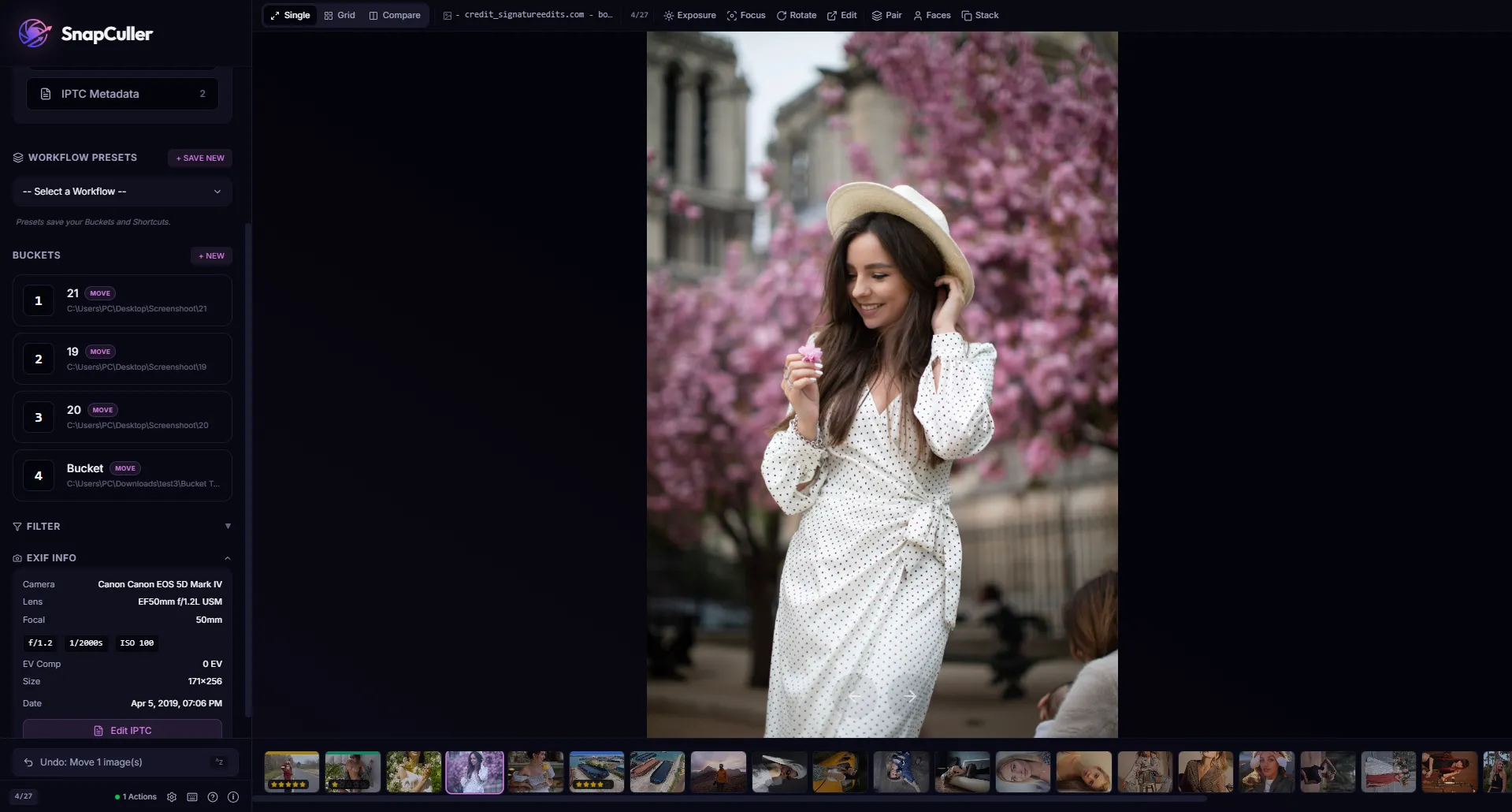
Watch Product Tour
Instant RAW previews with zero import lag.
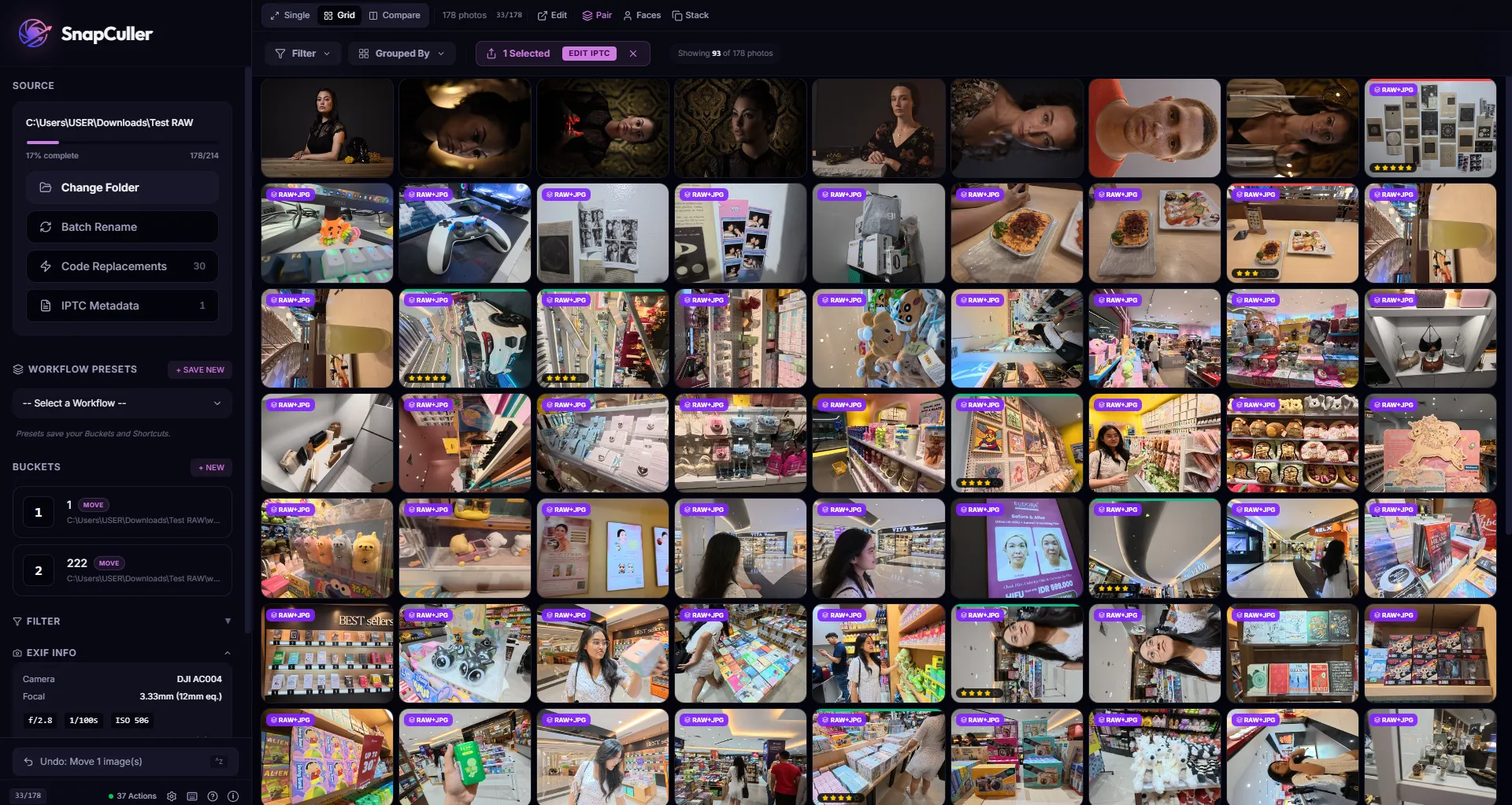
High-speed thumbnail overview with professional ratings.
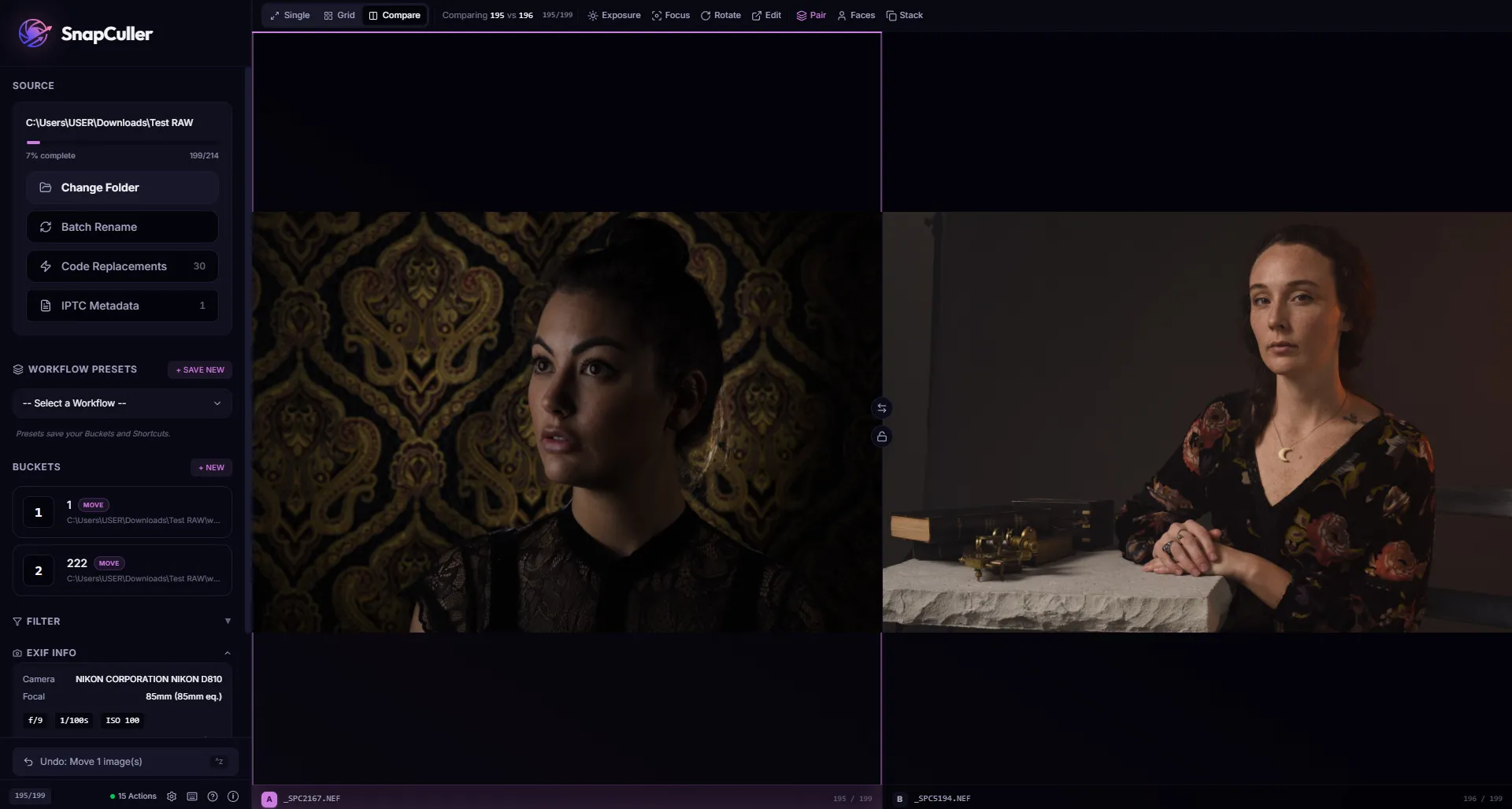
Side-by-side A/B comparison with zoom sync.
what's inside
Every feature earns its keep. No catalogs, no cloud sync, no ten-minute startup — just the fastest path from card to keepers.
Choose your AI engine (OpenAI, Gemini, or Ollama) and let it rate, flag, and sort your photos automatically. Every decision syncs to Lightroom instantly.
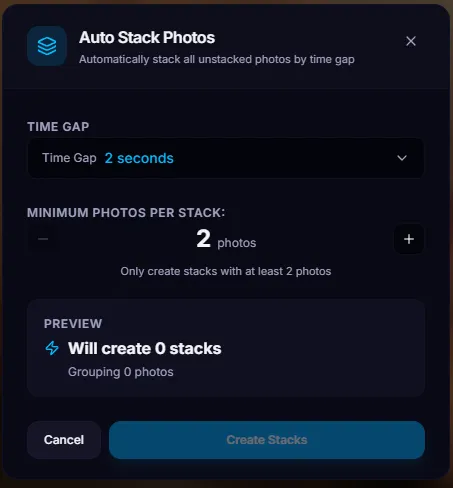
Tame high-speed action shots. SnapCuller automatically groups photos taken within seconds of each other. Select the best without cluttering your grid.
Treats RAW and JPG as a single entity. Rate or flag the JPG, and the RAW instantly follows. Reduces gallery visual clutter by 50%.
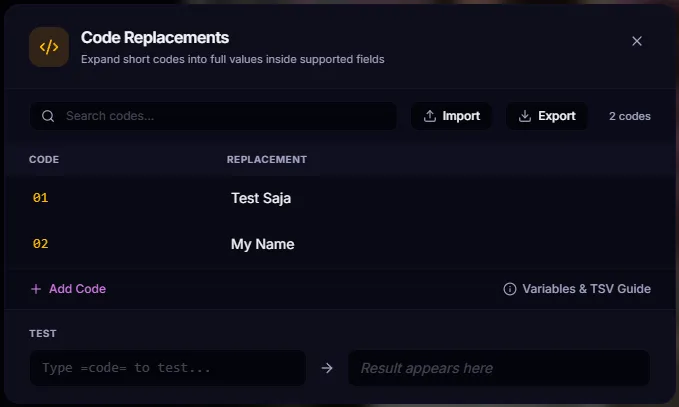
Type '=h1=' and instantly expand it to full metadata strings like 'Home Team Goal Area'. The ultimate time-saver for sports and event shooters.
Open any folder and start culling right away. RAW files load in milliseconds. No catalogs, no imports, no waiting.
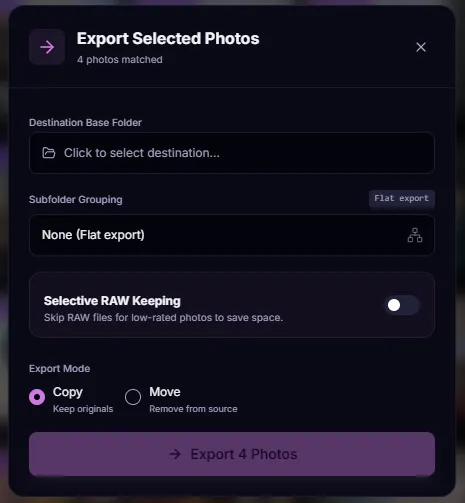
Export RAWs only for your 4+ star photos, while keeping JPGs for the rest. Massive storage savings on your SSD.
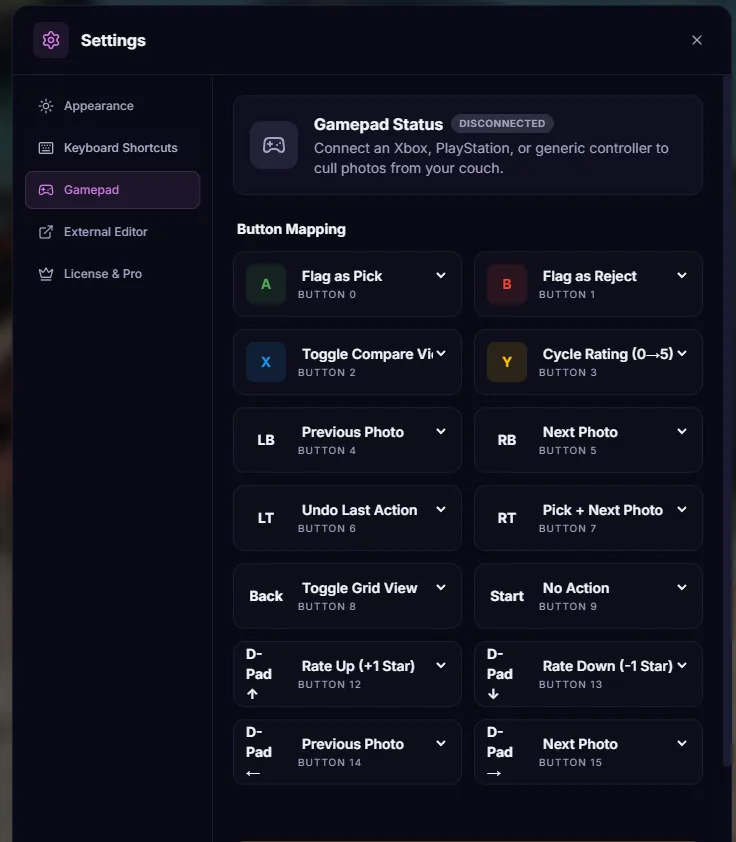
Native support for Xbox and PlayStation controllers. Lean back, grab your gamepad, and cull your shoots comfortably.
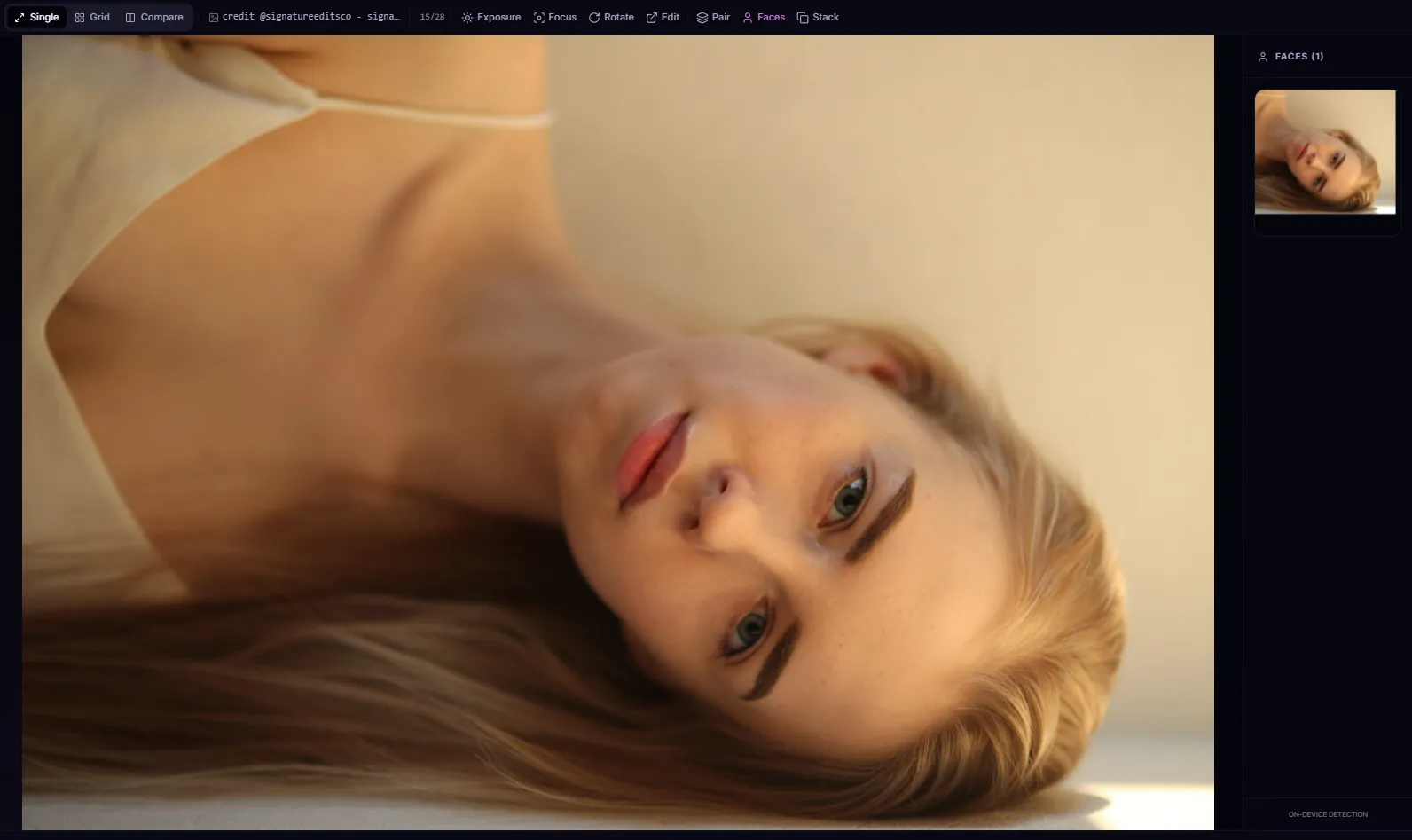
Instantly spot every face in your shot. Check for blinks and missed focus without zooming in manually.
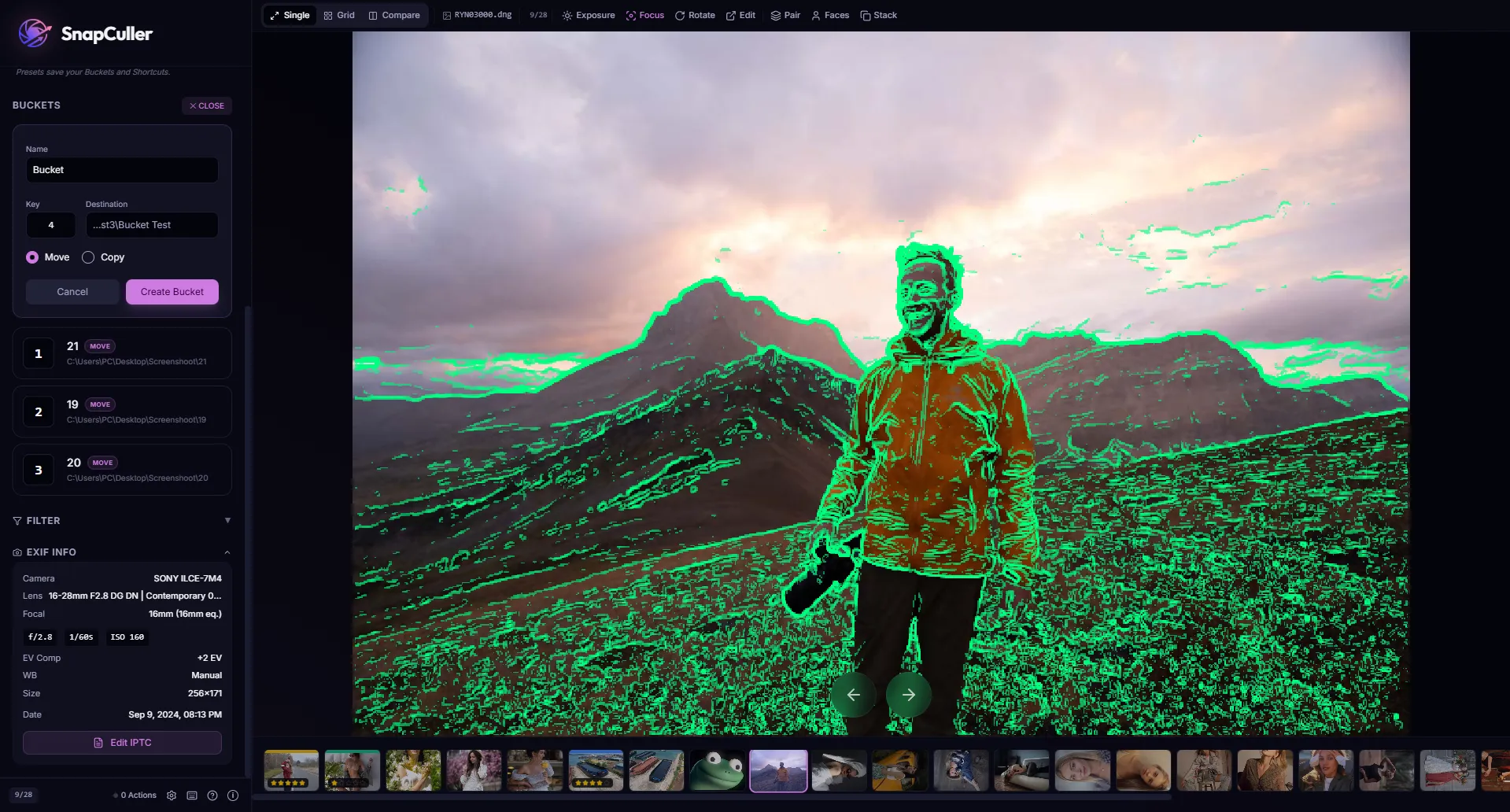
See exactly where your shot is sharp with a colorful overlay. Catch out-of-focus frames in a glance.
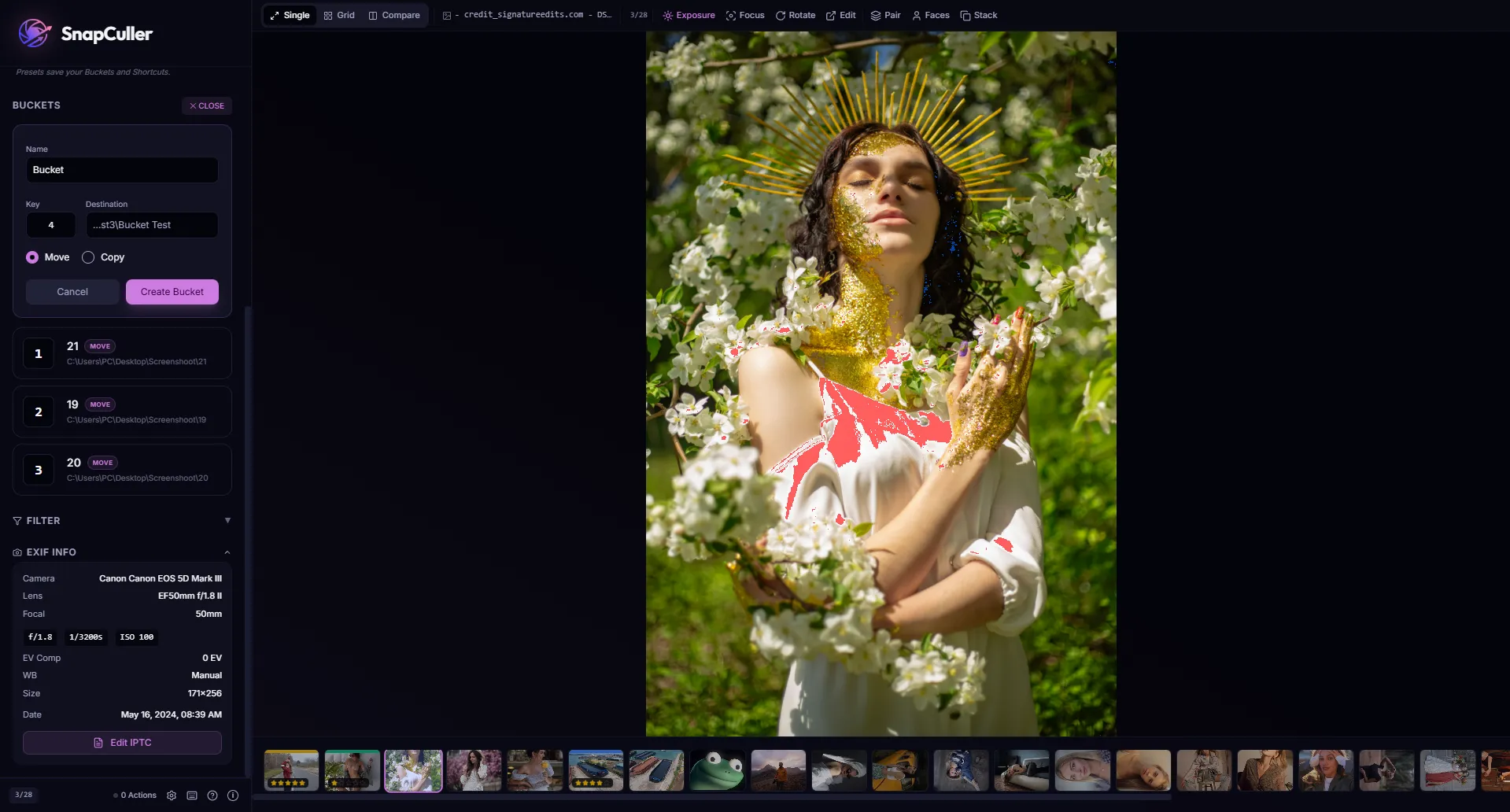
Spot blown highlights and lost shadows before you import. Quick visual overlays so you never miss a technical issue.
Add copyright, captions, and keywords to thousands of photos at once.
Press a key, your photo moves to the right folder. Simple as that.
Switch between 'Fast Culling' and 'Detail Review' environment states with one click.
Standardize your filenames using dynamic patterns before you start your edit.
Jump straight from SnapCuller into Photoshop or Affinity Photo for a quick fix.
Keep your flow state. Automatically navigate to the next photo after rating or flagging.
Your photos stay right where they are, nothing gets moved until you say so.
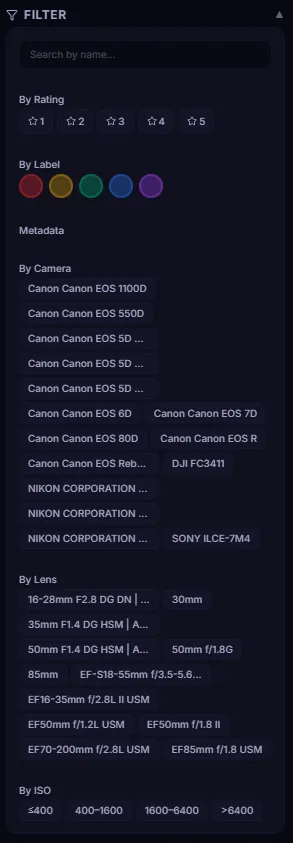
Ratings, flags, and color labels are saved as .xmp files. Open in Lightroom and everything is already there.
how it flows ↓
Drop a folder, hammer the keys, hand off to Lightroom. That's it.
Drag & drop any folder. SnapCuller instantly accesses all your photos with zero import time, including professional RAW formats.
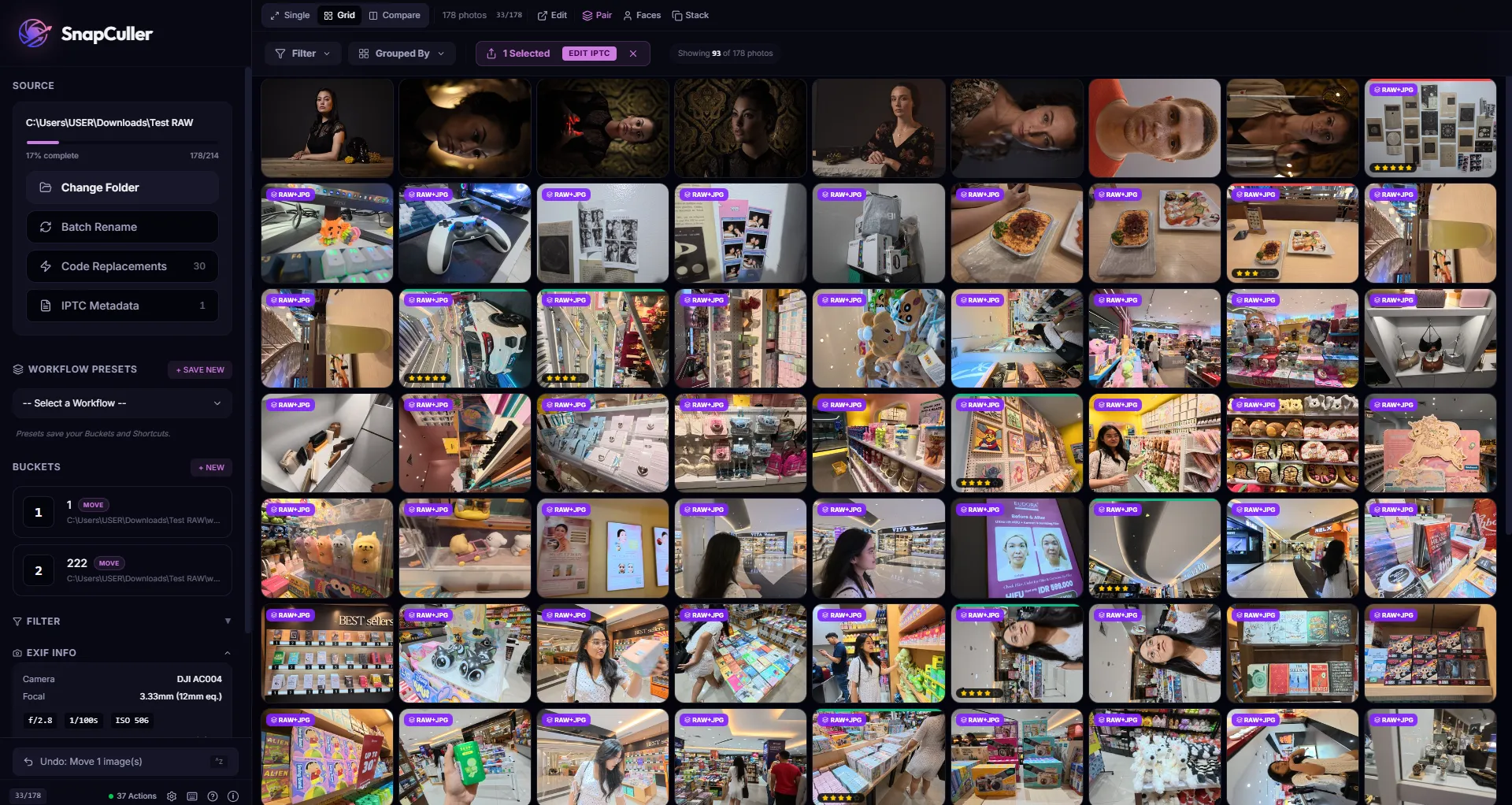
Master the one-key workflow. Assign favorite and reject actions to any keys and let muscle memory do the work.
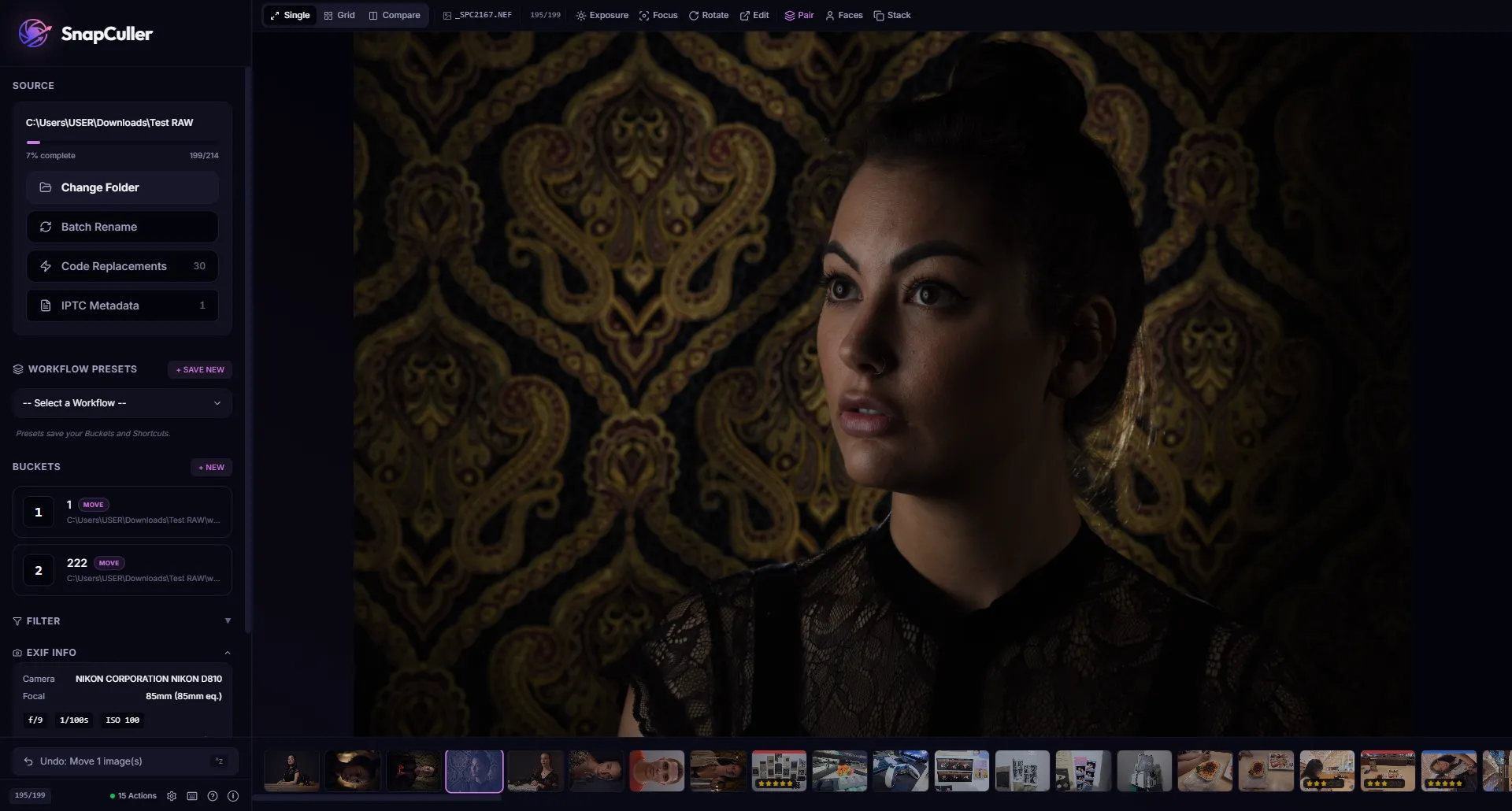
Ratings and labels export as XMP sidecars. Open the folder in Lightroom or Capture One for the final edit.
kind words
"SnapCuller saved me hours on my wedding shoots. The keyboard-first workflow is exactly what I needed."
"Finally, a culling tool that handles my Sony ARW files natively. The XMP export to Lightroom is seamless."
"The Focus Peaking and Face Detail features are incredibly useful. Combined with the Buckets workflow, it's a huge time saver."
"I switched from Photo Mechanic. SnapCuller is faster, cleaner, and the price is unbeatable."
why switch?
Powerful but expensive, with a dated 2000s interface.
Bloated with editing tools you don't need just to cull.
Technical but no buckets, no XMP export, no modern UI.
$29 one-time. No subscriptions. No renewals. Lifetime access.
One thing, done well: fast selection. No catalogs, no cloud sync.
Custom shortcuts engineered to become muscle memory.
launch week deal
Stop fighting your software. Start culling at the speed of muscle memory. Join pro shooters who value their time.
Free forever tier · No credit card required
Your OS may ask for confirmation — this is normal for apps outside the official store.
On the SmartScreen dialog, click the More info link.
Click the Run anyway button to launch the installer.